Smart Attendance. Zero Cheating.
A secure attendance system designed for universities to track student attendance and detect cheating.



Your Gateway to
Smarter Attendance
Our Services
We provide a smart, secure attendance solution designed for universities.

Smart Attendance Tracking
Secure QR-based attendance with real-time accuracy.

Real-Time Monitoring
Live student scan updates during lectures.

Duplicate & Cheating Detection
Automatic detection of duplicate and suspicious scans.

University & Faculty Management
Simple code assignment across colleges and faculty.

Web-Based Student Access
Students scan and submit via a secure web page.

Technical Support & Onboarding
Full support for setup and ongoing use.
How It Works?
Step 1
University registers and selects the number of colleges
Step 2
Attendance codes are generated and sent to faculty members
Step 3
Faculty displays the code during the lecture
Step 4
Students scan the code and submit their details
Step 5
Attendance appears instantly for the faculty member
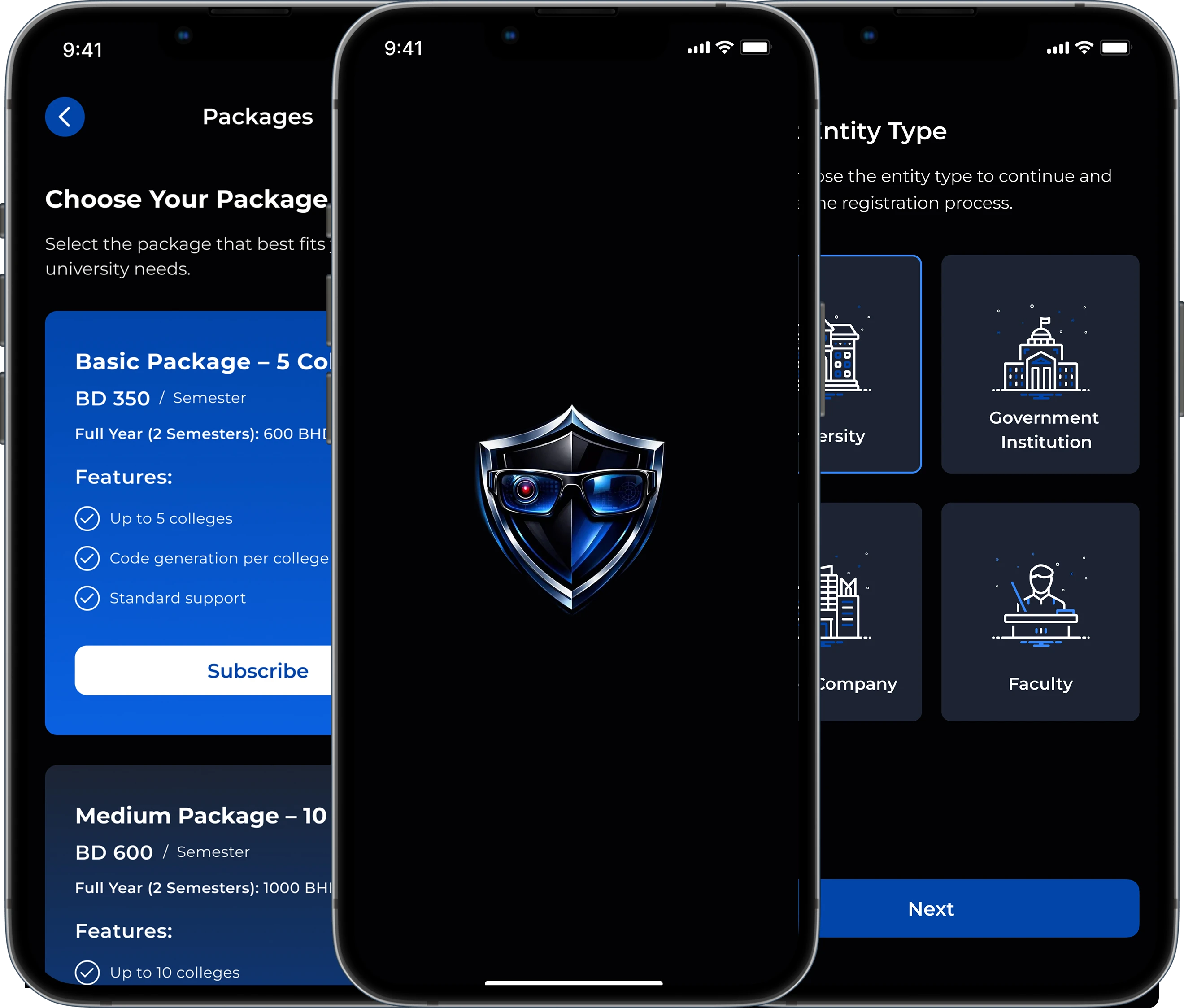
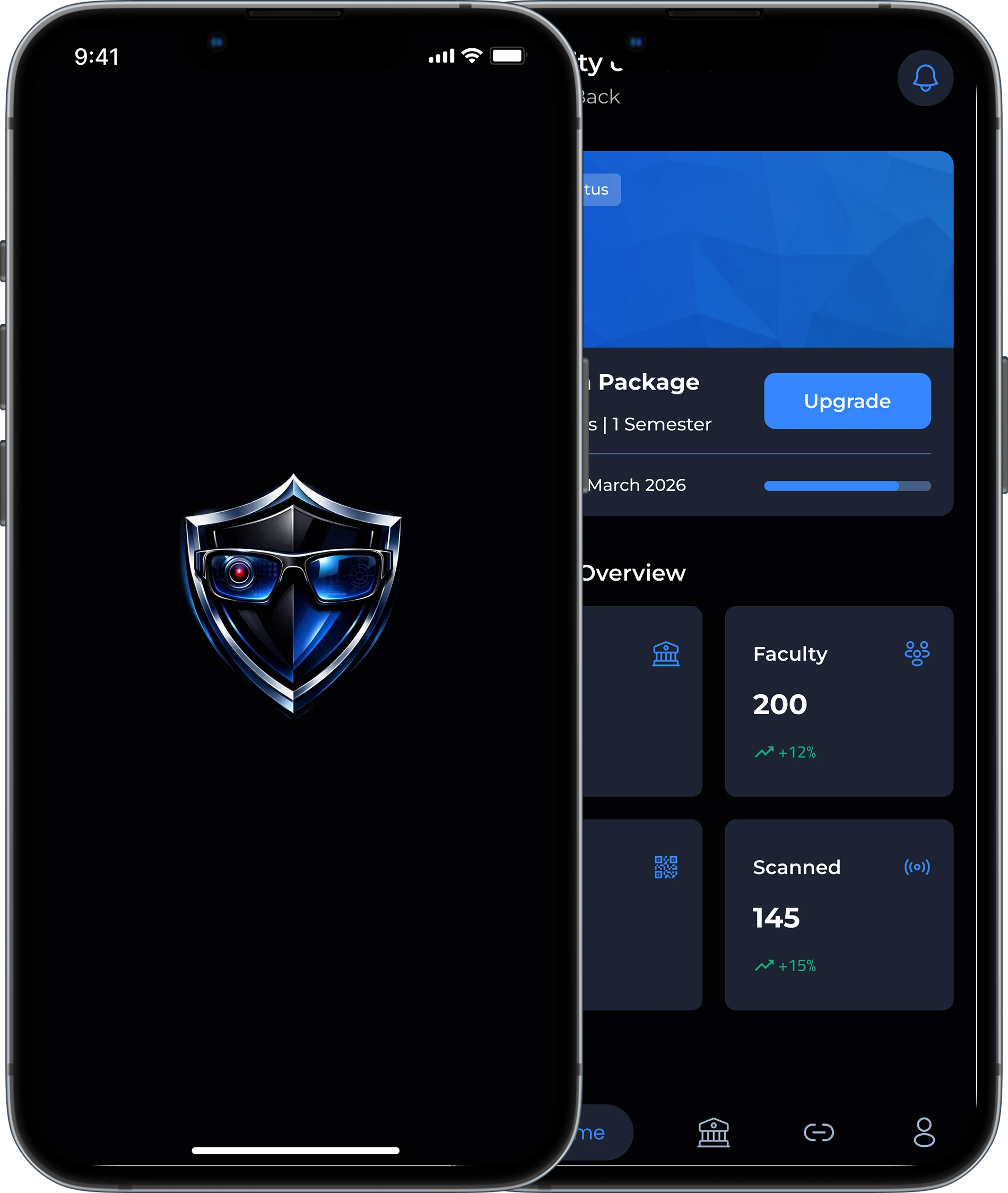
Smart & Secure — Upgrade Attendance Now
Track attendance effortlessly and prevent cheating in real time.
What Our Partners Say
Discover how universities and faculty members are using our system to ensure accurate attendance and prevent cheating.
FAQ
Everything you need to know — right here.
The university subscribes to the system and assigns attendance codes to faculty members. Faculty displays the code during the lecture, and students scan it to record their attendance instantly.
Yes, students need to download the app on their smartphones to record their attendance. The app is lightweight and available for both Android and iOS devices.
Absolutely not. The app is designed to respect privacy and only requires permissions necessary for attendance, such as location (GPS) and camera (for face/QR verification). It does not access your personal files, photos, or lock your device in any way.
The system uses a multi-layered security approach to prevent any manipulation: Device Binding: Each student account is locked to a unique Device ID. This means a student cannot log in from a friend's phone to scan for them. GPS Geofencing: The app verifies that the student is physically present within the classroom coordinates. Scanning from home or outside the building is automatically blocked. Dynamic QR/Face ID: If the system uses QR codes, they refresh every few seconds to prevent students from sharing a photo of the code. If Face ID is enabled, it ensures the actual student is the one performing the scan.
Yes, absolutely. Faculty members have full control through their dashboard. They can set a specific time window for the code to remain active, choose between a Static or Dynamic QR code (which refreshes every few seconds to prevent sharing), and decide whether to display it on a projector or a personal device.
We offer flexible plans tailored to your institution’s needs. You can choose between Semester-based subscriptions for specific courses or an Annual plan for full academic year coverage. Bulk discounts are also available for entire departments or universities.
Contact Us
-
Call Us
-
Our Email
-
Our Address